When choosing DDR5 memory, besides comparing the design, capacity, and speed, have you ever noticed the Intel® XMP or AMD EXPO™ labels on the packaging? Both are common DDR5 memory overclocking profiles designed to help users get more performance out of their memory with less effort. But what's the difference between XMP and EXPO? And which one should you choose? Let's take a closer look!
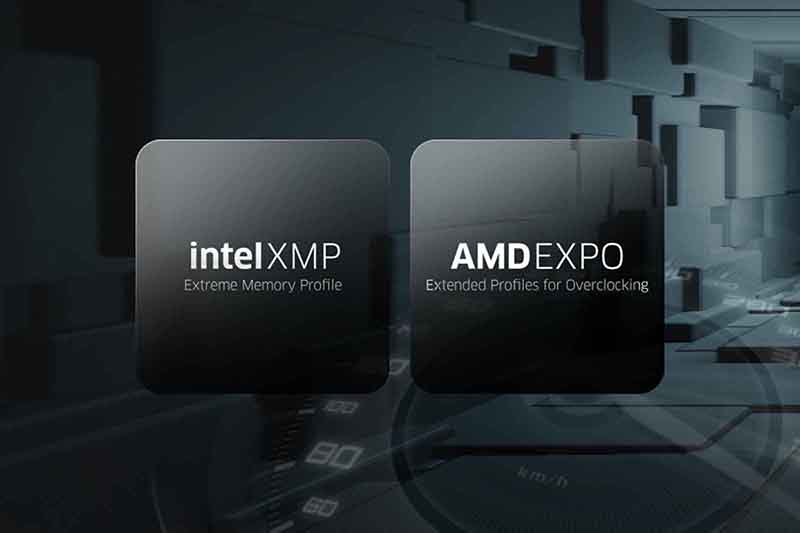
What Is Intel® XMP?
Normally, memory runs at a JEDEC standard speed supported by the system. However, some high-performance memory kits offer higher speeds or lower latency through overclocking. To make this process easier without requiring users to manually adjust complicated settings, Intel introduced XMP (Extreme Memory Profile).
Designed for Intel platforms, XMP allows memory manufacturers to store preconfigured settings, including data transfer rates, timings, and voltages, directly on the memory modules. As long as both your memory and system support XMP, you can simply enable the profile through the BIOS to apply these settings without adjusting each parameter yourself.
What Is AMD EXPO™?
AMD EXPO™ (Extended Profiles for Overclocking) is AMD's memory overclocking technology developed specifically for Ryzen™ platforms, making it easier for users to boost their DDR5 memory performance.
Just like XMP, EXPO uses preconfigured settings for data transfer rates, timings, and voltages. Users can quickly apply these overclocking settings through the BIOS without having to manually fine-tune complicated parameters.
However, there's one thing to keep in mind! Whether you're using XMP or EXPO, enabling a memory profile doesn't always guarantee that your memory will reach its advertised speed. Actual performance and stability still depend on factors such as your CPU, motherboard, and memory configuration.
XMP vs EXPO: What's the Difference?
Although XMP and EXPO are both designed to make memory overclocking easier, there are a few differences in their developers, supported platforms, and profile features.
| DDR5 Memory Profile | Intel® XMP | AMD EXPO™ Technology |
| Developer | Intel | AMD |
| Supported Platform | Intel platforms | AMD Ryzen™ platforms |
| Key Features | Supports multiple DDR5 overclocking profiles, allowing users to choose from different preset settings | Designed for AMD Ryzen™ DDR5 platforms, with multiple overclocking profiles optimized for memory performance and latency. |
It's worth noting that an XMP or EXPO label alone doesn't tell you which memory performs better. Actual performance depends on memory speed, timings, and your overall system configuration.
Can You Use XMP Memory on AMD or EXPO Memory on Intel?
The short answer is yes, but it depends on your motherboard!
When choosing DDR5 memory, it's best to start with your CPU and motherboard platform. If you're using an Intel system, XMP memory is generally the recommended choice. For AMD Ryzen™ users, EXPO memory is usually the better starting point. Some motherboards can read and apply XMP or EXPO profiles across platforms. However, not every motherboard supports this feature, and stable operation isn't always guaranteed. That's why it's better to choose a memory profile designed for your platform unless you've already confirmed cross-platform compatibility.
How to Choose the Right DDR5 Memory?
Planning to upgrade or switch platforms in the future? You might want to consider DDR5 memory that supports both XMP and EXPO! These memory kits come with both types of profiles, allowing you to choose the right overclocking settings for your Intel or AMD system. This gives you more flexibility when upgrading your PC or switching platforms. However, even if your memory supports both XMP and EXPO, it doesn't mean it will work perfectly with every motherboard. Before purchasing, it's recommended to check your motherboard manufacturer's Qualified Vendor List (QVL) to see whether the memory has been tested for compatibility. Keeping your motherboard BIOS up to date can also help improve compatibility and stability.
Looking for DDR5 memory that's easy to set up? KLEVV offers a variety of DDR5 overclocking memory kits supporting both Intel® XMP and AMD EXPO™ profiles, with tested and fine-tuned overclocking settings. Whether you're using an Intel or AMD platform, you can simply enable the corresponding profile in the BIOS and apply the preset overclocking settings without complicated manual adjustments. It's an easy way to get more performance out of your DDR5 memory! Ready to upgrade your memory?
Explore KLEVV's DDR5 memory lineup and find the right fit for your PC!
Frequently Asked Questions (FAQ)
Q1: Is EXPO Better Than XMP for AMD Ryzen™ Platforms?
EXPO is specifically designed for AMD Ryzen™ DDR5 platforms, making it the recommended choice for most AMD users. However, this doesn't necessarily mean EXPO is faster than XMP. Actual memory performance still depends on factors such as speed, timings, and platform compatibility.
Q2: Can You Mix Different Memory Kits That Support XMP and EXPO?
It's generally not recommended to mix different memory kits, even if they have the same capacity, speed, or brand. Different kits aren't necessarily tested to work together, which means mixing them could prevent overclocking profiles from working properly or even cause system instability. For better compatibility and stability, it's best to use memory modules from the same kit that have already been tested together.


 Share





